How to Spot a Phishing Email in 5 Seconds: Real Examples & Warning Signs
Real-life examples and quick checks you can apply before you click anything.
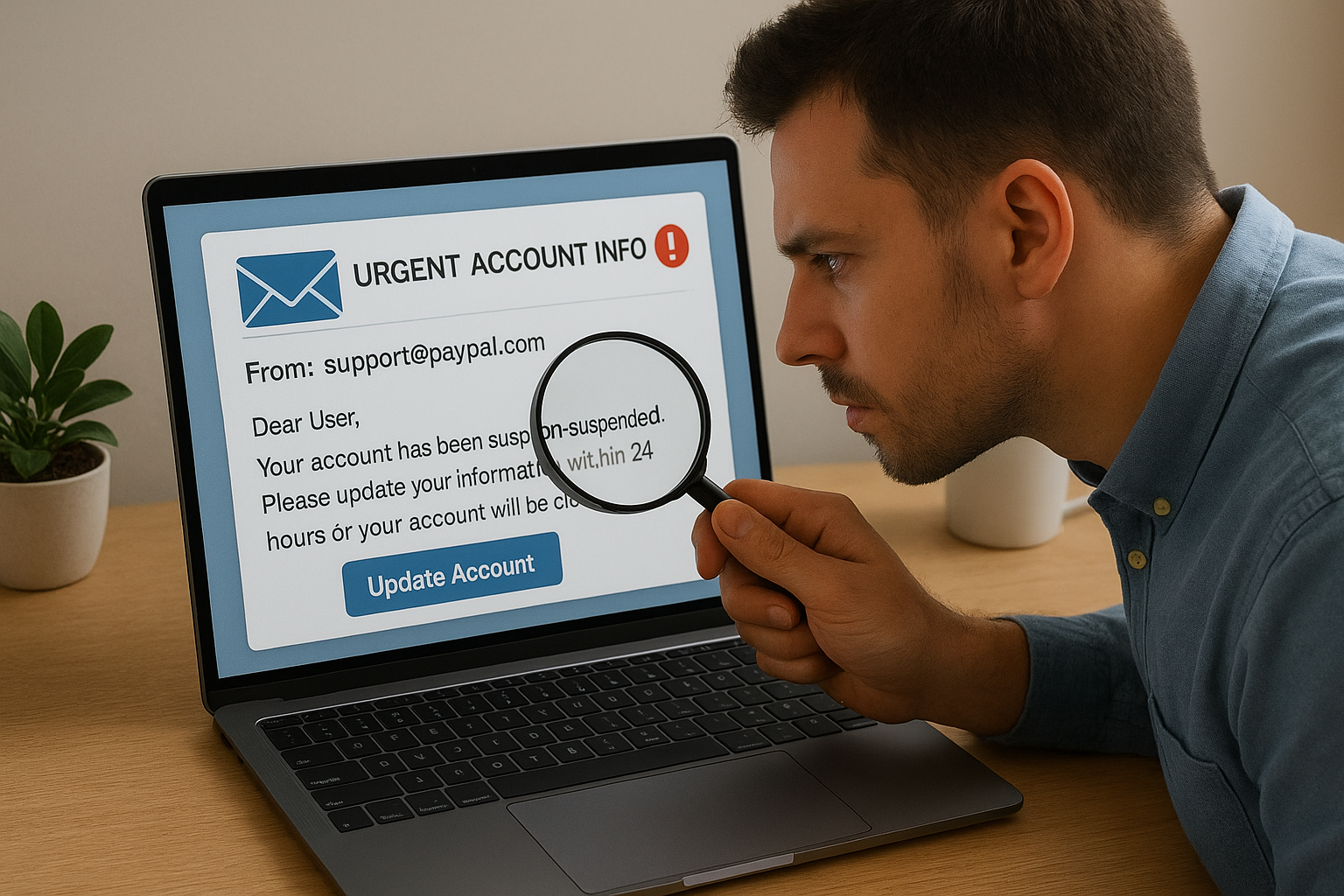
Picture this: you open your laptop, and there it is — an email warning that your account will be suspended unless you act right now. Your heart skips a beat. You hover over the link. Should you click? That moment of hesitation might save you from a cyberattack.
1. Check the Sneaky Sender
Scammers often use lookalike addresses:
support@paypaI.com(capital "I" instead of "l")delivery@amaz0n.com(zero instead of "o")
Quick move: Hover over the sender name. If it looks strange, don't trust it.
2. Spot the Panic Button
Fake emails push urgency:
- "Your password expires in 24 hours!"
- "Final notice — verify NOW!"
Quick move: Real companies rarely use scare tactics. If it feels rushed, slow down.
3. Hover Before You Click
Links can be traps disguised as "Track Package" or "Login Now."
Quick move: Hover to preview the URL. If the address looks odd, unrelated, or full of random text — close the email.
4. Bad Grammar Is a Red Flag
Phishing emails often have awkward wording:
- "We are need you verify your account."
- Random bold text or ALL CAPS!!!
Quick move: Poorly written emails from "big companies" are a giveaway.
5. Watch Out for Suspicious Attachments
Unexpected attachments are risky — even if they look like invoices or delivery details.
Quick move: Don't open unless you were expecting it. Verify with the sender first.
Real-Life Example
Subject: "UPS: Unable to deliver your package"
From: ups-support@delivery-info.com
Body: "Click here to reschedule delivery. Immediate action required!"
Red flags:
- Not from
@ups.com - Urgent language
- Link points to
http://delivery-help-now.net/
That's a fake email — easy to spot in under 5 seconds.
Stay One Step Ahead
Every time you pause to check — sender, urgency, links, grammar, attachments — you reduce your risk. When in doubt, don't click. Instead, go directly to the company's official site or app. Explore our cybersecurity solutions to see how Andi-Tech can protect your business from phishing and email-based threats.
💡 Need help protecting your inbox and business from phishing threats?
Reach out to the Andi-Tech team today at
info@andi-tech.com
— let's secure your communication together.